
Portal setup | Equipment set up | Pre-work (scan training mode)
Thanks for confirming your training!
Congratulations—your practice is one step closer to working with Dandy, the first fully-digital dental lab.
Here’s everything you need to get started with us
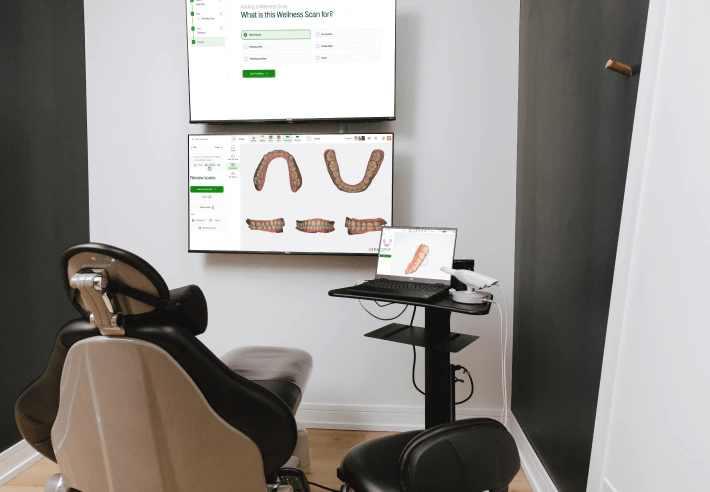
The Dandy Digital Fast Track
Welcome to the Dandy Digital Fast Track, where we equip you with the skills to leverage digital dentistry for superior patient outcomes. Let’s walk through the next steps together!
Every practice in our programme begins with scanning for crown & bridge workflows so you can learn the foundational best practices first.

Set up your Dandy Portal (5 minutes)
Set up your Dandy Portal (5 minutes)
1. Look for an email from doctors@meetdandy.com titled “Welcome to Dandy! Here’s how to get started.” This email will be in the inbox of whomever signed your Dandy contract OR the person designated to set up equipment during the sales process.
2. Follow the instructions in the email to set up a Doctor profile with Dandy.
3. For more help, check out these quick Help Centre resources:

Set up Your Equipment (30 minutes)
Be on the lookout for two boxes from us containing:
1. Scanner, laptop, and scanning kit
2. Cart
Tip: you can track your equipment delivery in the Dandy Portal.
Use the instructions pamphlet in the box to set up your equipment ahead of your virtual Training session.
Select your equipment configuration below to preview your setup:

Use Scan Training Mode to submit a crown training order (30 min)
Once your equipment is set up, everyone who will be scanning must submit a Crown training order prior to your virtual launch training. To take these training scans, use the model provided in your scanning kit. (The model has a removable crown, allowing you to practice a prep-site scan.)
We will use these training orders to guide you during your launch training. Watch this video to get started!
Live virtual launch training
In this hands-on experience your launch trainer will guide you through Dandy’s world-class digital workflow. All setup in Step 1 should be completed at least 48 hours in advance of your training date. A few days before your scheduled training date, we’ll contact you to ensure your equipment is set up and ready to go for training.
Crown & bridge digital workflow
Scan techniques and best practices
1 on 1 scan coaching for each individual
Dandy Support services
What do you need to know about your Launch Training?
- Virtual, live session with your dedicated Trainer
- 2 hours long
- Recommend up to 4 clinical staff attendees, who will be using the scanner & receiving scan coaching.
- Please schedule an additional session if needed for more than 4 clinical staff.
- Attendees are eligible to receive 2 CE credits
Live cases with live patients
Over the next 3 weeks, your Dandy Launch Trainer will be virtually monitoring your progress, delivering personalised feedback, and helping you deliver successful patient outcomes!
During weeks 2 and 3, you’ll begin submitting real patient cases through Dandy’s digital workflow. Your trainer will check in along the way to answer questions, review your progress, and make sure everything is running smoothly. This is a great time to start getting comfortable with a variety of case types and building confidence with our platform.
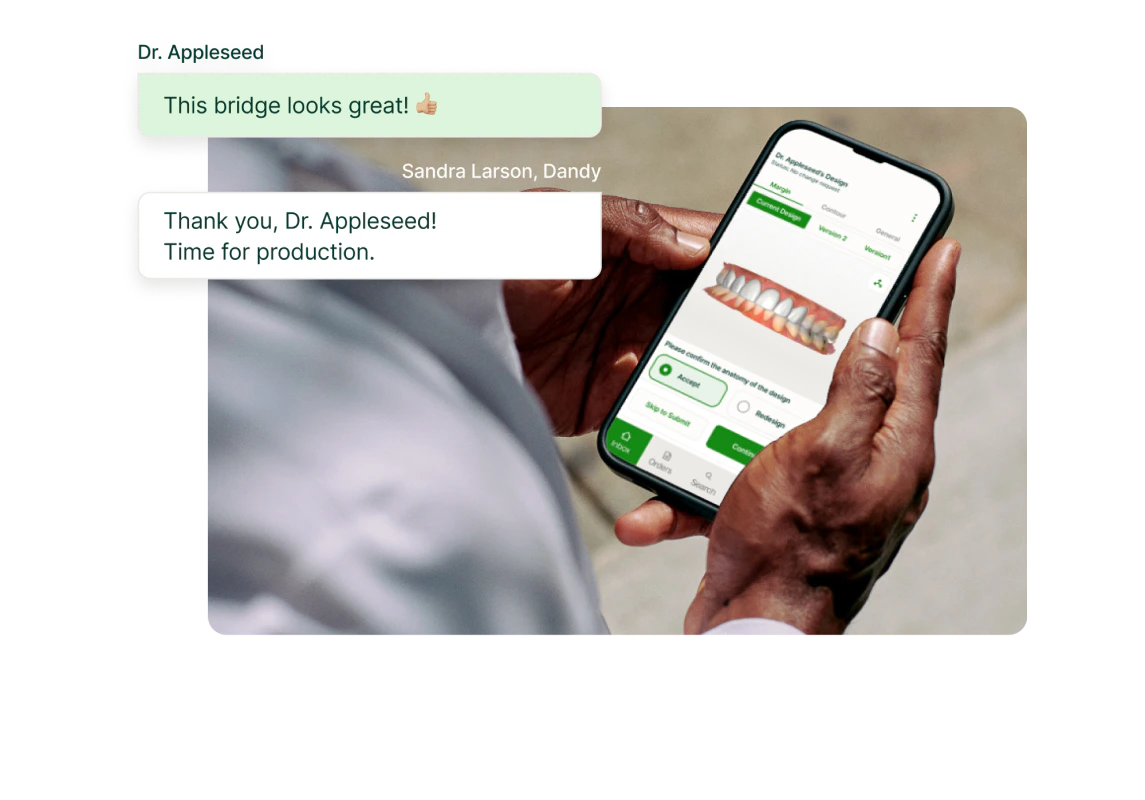
By week 4, you’ll be wrapping up your Dandy Digital Fast Track! Your trainer will continue to check in and provide support as you complete your onboarding. This is your graduation week - a chance to celebrate your progress and feel confident using Dandy’s digital workflow independently.
